A firmware change is an operational change to a machine connected to electricity, cooling and a mining pool. A safe checklist does not promise that an installation will succeed; it makes the conditions, limits and recovery actions visible before the first device is touched.
Before you download anything
Identify the exact miner model, revision and control board. Record the current firmware, pool settings, frequency, voltage, fan rules, temperature and power information. Check the applicable vendor documentation and the supported model list at the time of the test. Do not rely on a filename that looks close to the device name.
Confirm who can monitor the machine and who can intervene physically if remote access is lost. Check the power supply, circuit capacity, ventilation and ambient temperature. If the device is hosted, review the facility’s change and maintenance rules. A software test does not remove electrical or thermal constraints.
Protect the known-good state
- Export or photograph the current configuration where the interface allows it.
- Record the original firmware version and the current profile.
- Save pool URLs, worker names and non-secret configuration details.
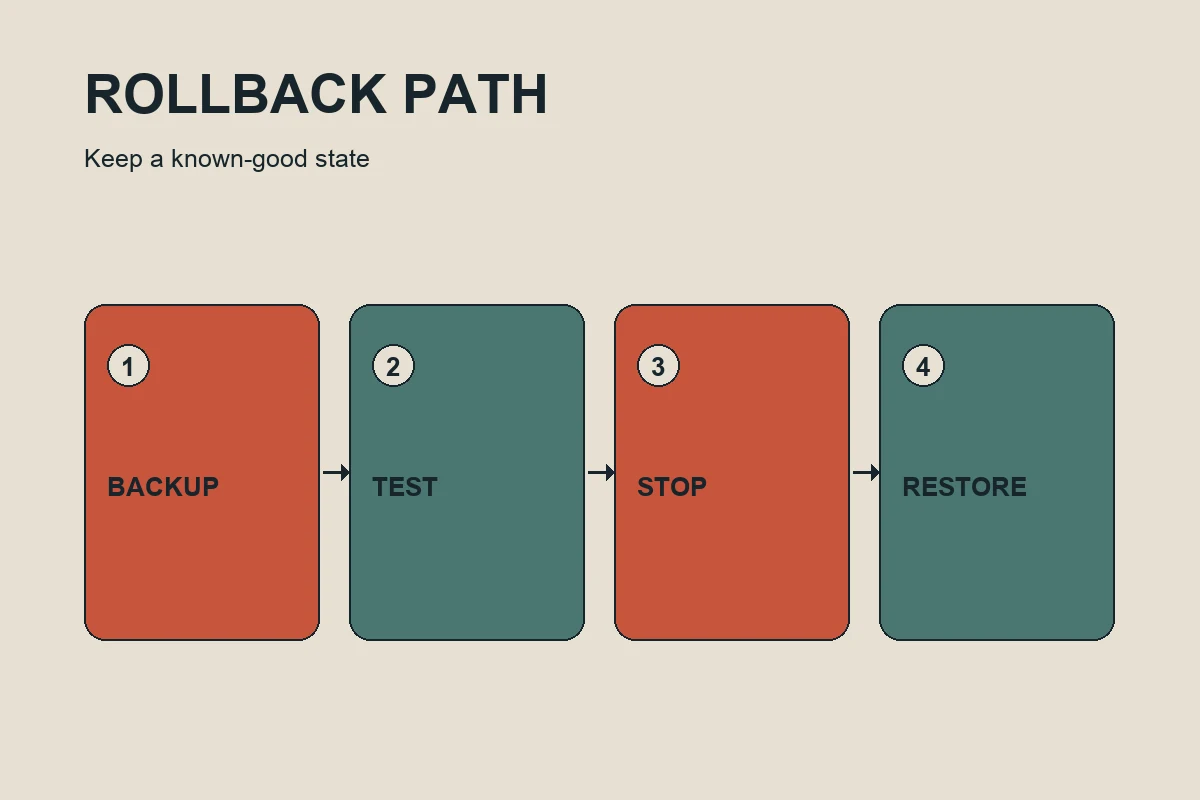
- Locate the documented recovery method before starting.
- Define a stop condition for temperature, errors, reboots and connectivity.
Test one bounded change
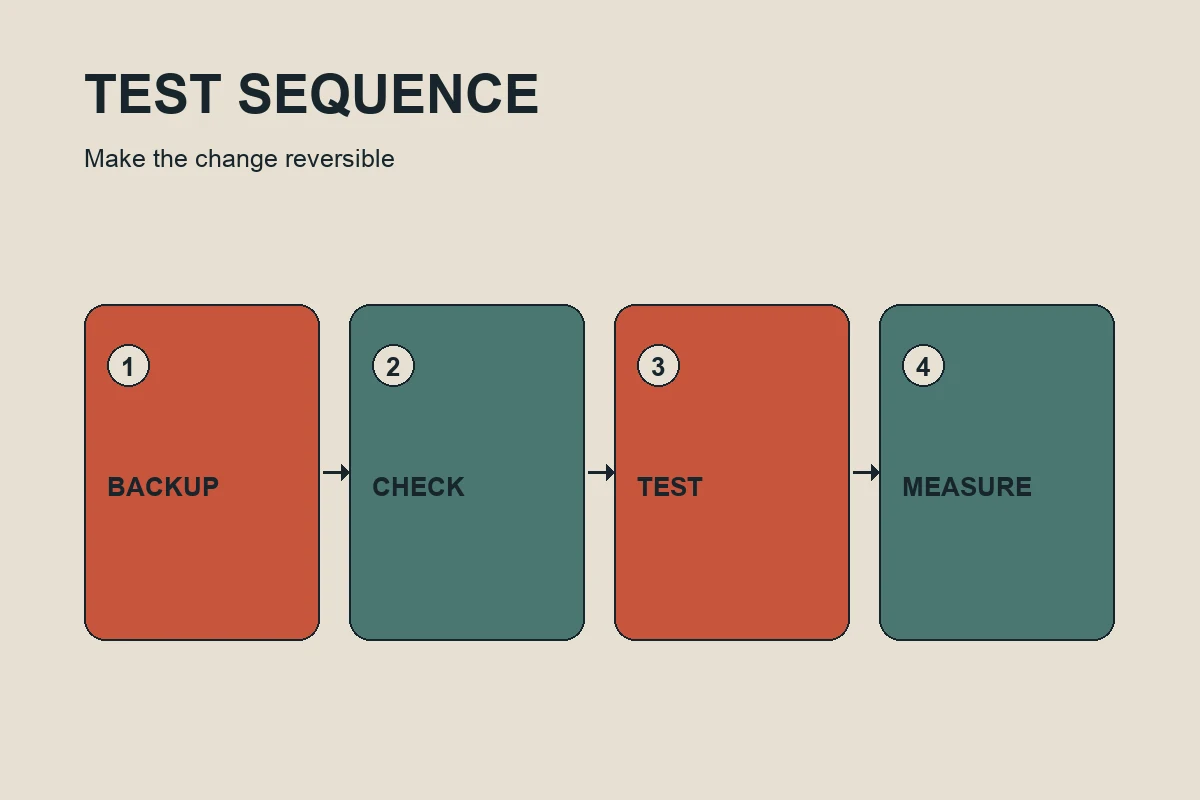
Start with one device or a small, clearly identified test ring. Avoid changing firmware, pool, cooling and overclock settings at the same time. Use a conservative profile and decide in advance how long the observation window will last. Record wall watts, accepted hashrate, temperature, hardware errors, rejected shares, uptime and fees before and after the change.
Short-term dashboard movement is not enough. Let the machine reach its ordinary operating state and watch for repeated restarts, fan oscillation, thermal drift, lost pool connections and increasing hardware errors. Keep the test conditions with the measurements so another operator can understand what happened.
Recognize the rollback trigger
Stop when the device exceeds the temperature or power limit you defined, shows rising hardware errors, repeatedly reboots, loses pool connectivity, behaves differently from the test brief or cannot be monitored. Restore the last stable configuration using the documented route. Do not keep increasing a parameter to rescue a result that is already outside the acceptance criteria.
After the test
Record the decision, not just the final number. State whether the profile was accepted, rejected or deferred, and include the conditions that led to the decision. If accepted, state the limits and monitoring plan. If rejected, state the observed failure mode. A rejected profile can still be useful evidence when the reason is clear.
Fleet rollout discipline
Group machines by model, board revision, power arrangement and cooling rather than assuming one result transfers everywhere. Roll out in rings: test, observe, review and expand only when the measurements remain within the defined limits. Keep individual device rows because an average can hide one unstable unit. Preserve a rollback procedure for every approved profile.
Safety is not a single checkbox. It is a repeatable process of identification, backup, bounded testing, monitoring and recovery. When compatibility or recovery access is uncertain, pause the change and verify the missing evidence first.
Monitoring checklist after restart
Watch the machine through startup and the first stable operating period. Confirm that all hash boards are detected, the fan rule behaves as expected, the pool connection remains active and the reported temperature moves in a normal direction. Check the wall meter and compare the accepted hashrate with the baseline. Keep the time of each observation in the test record.
Do not treat a quiet dashboard as proof of stability. Some failures appear as slowly rising errors, intermittent restarts or a loss of accepted work rather than an immediate alarm. Define the observation window before beginning and ask another operator to review the record when the decision affects more than one device.
What a responsible result looks like
A responsible result states the device, starting state, change, conditions, measurements, limits and decision. It says whether the profile was accepted, rejected or left for more testing. This makes the result transferable without turning one machine into a universal recommendation.