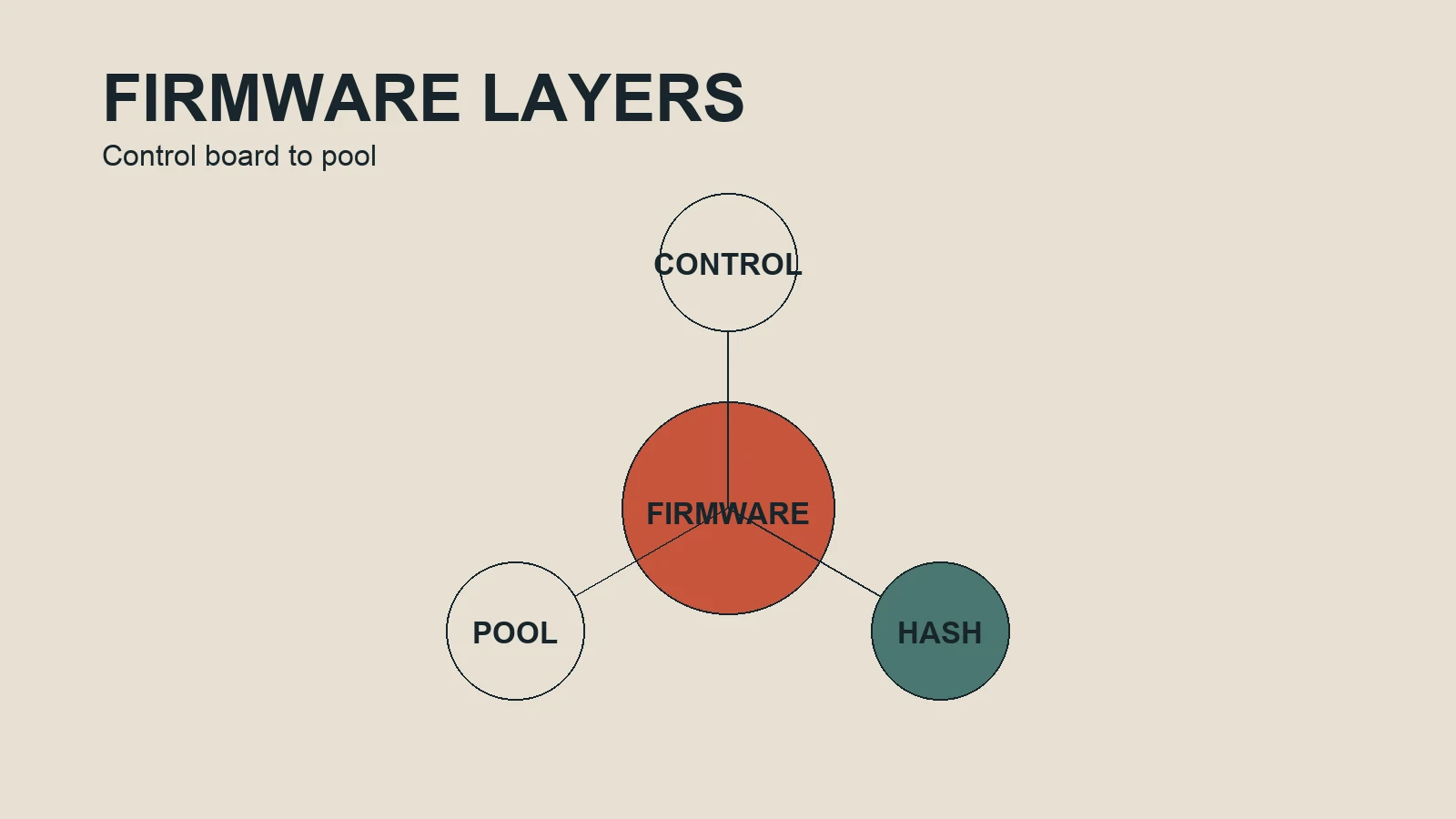
ASIC firmware is the software layer that coordinates a miner’s control board, hash boards, sensors, fans, pool settings and operating limits. Manufacturer firmware is the baseline. Alternative firmware such as Vnish may expose additional tuning and management controls for supported hardware, but the benefit depends on compatibility, cooling, power, measurement and recovery access.
What the firmware layer controls
The hash chips perform the specialized computation, while the control system decides how the machine operates. Depending on the hardware and software, the firmware can influence frequency, voltage, fan behavior, pool endpoints, power limits, monitoring and restart behavior. These settings are operational controls, not independent sources of profitability.
A change in frequency can affect hashrate and power. A change in voltage can affect efficiency, stability and heat. A fan or temperature rule can affect noise, cooling and component stress. Pool and network settings affect whether work is submitted correctly. This is why a useful test watches several measurements at once.
Stock firmware and alternative firmware
Stock firmware is supplied by the manufacturer and is usually the reference point for compatibility and recovery. Alternative firmware may offer more granular controls, tested profiles or fleet tools. It also adds another software dependency, an update path and possibly a developer fee or support arrangement. Treat the additional flexibility as a tradeoff that needs documentation.
Vendor pages may describe average hashrate improvements or energy savings. Those statements should be read as vendor claims about supported configurations, not as a guarantee for every miner. The practical question is whether your device remains stable and whether the measured net result is better after all costs and fees.
Compatibility checklist
- Record the exact miner model and revision.
- Identify the control-board type and installation method.
- Check the current firmware release notes and supported model list.
- Confirm the power supply and cooling arrangement match the intended profile.
- Save the current configuration, pool settings and recovery instructions.
- Confirm how support handles failed installation or a return to stock firmware.
Safety and rollback
Firmware work should be treated like a reversible operational change. Start with one device or a small test group. Do not combine a firmware change with an aggressive overclock if you need to understand cause and effect. Keep a known-good image or documented recovery route available, and schedule the test when someone can monitor the machine.
Stop if the miner shows rising hardware errors, unstable temperatures, repeated reboots, unusual fan behavior, lost pool connectivity or a result that cannot be reproduced. Restore the last stable configuration and record what happened. A rollback is not a failure of the process; it is part of a controlled process.
What to measure after installation
Compare accepted hashrate rather than the number printed in a marketing profile. Record wall draw with an appropriate meter, not only the software estimate. Track joules per terahash, temperature, rejected shares, hardware errors, uptime and all applicable fees. Keep the test period and environmental conditions with the result, because a profile that looks good for an hour may not be appropriate for continuous operation.
When you have this baseline, move to the power and profitability worksheet. It provides the arithmetic for daily electricity cost and a compact before/after log.
Installation is change management
Even when the installation uses a web interface, manage it like a production change. Write down the device in scope, the rollback trigger, the test window and the person responsible. If the miner is hosted, confirm permission and remote recovery. A technically correct file can still be an operationally poor choice if nobody can reach the device after a failed reboot.
Keep the original configuration outside the miner. Record pool endpoints and worker names in a safe operational document, while keeping credentials out of shared notes. Confirm that the recovery method matches the control-board type; instructions for one board are not automatically valid for another.
Diagnosing unexpected behavior
If hashrate falls, check compatibility, pool connectivity, frequency limits and whether every hash board is detected. If power rises, check the profile, wall-meter reading, voltage behavior and cooling response. If errors rise, reduce the profile or restore the known-good state instead of adding another change. If temperatures drift upward, inspect airflow and ambient conditions before blaming firmware alone.
Fleet rollout principles
Use rings: one test unit, a representative group and then the wider fleet. Keep approved and rollback profiles clearly named. Bulk installation tools reduce repetitive work but increase the cost of a mistaken selection, so define a stop condition before using them.
Verify the package before installation
Before uploading firmware, verify the source, version, model, control-board family and any stated installation constraints. Keep a copy of the original firmware or recovery image where the operator can reach it. Do not assume that a file mentioning a familiar miner name is suitable for every board revision. Compatibility is a property of the exact device and package combination, not of a broad product category.
Check the file integrity when a checksum is provided, and keep the checksum beside the change record. If there is no reliable source or no recovery path, stop and obtain one before continuing. A short delay at this stage is cheaper than diagnosing a device that no longer boots or has lost its network configuration.
Separate firmware effects from environment
Firmware changes are often made alongside pool changes, frequency changes or cleaning. That makes attribution difficult. When possible, keep the pool, room, power supply and cooling arrangement constant during the first comparison. If something else must change, record it explicitly and treat the result as a combined change rather than evidence about firmware alone.
Compare like with like: similar warm-up time, similar ambient conditions and a long enough window for pool readings to settle. Look at accepted shares and error counters, not only the local dashboard. A short burst of higher hashrate can disappear after temperatures stabilize, while an apparently modest improvement can be valuable if it also reduces errors or downtime.
Rollback is part of the procedure
A rollback plan should name the trigger and the action. Triggers may include a missing hash board, rising hardware errors, repeated restarts, loss of network access, temperatures outside the operating limit or power beyond the circuit allowance. The action may be restoring the saved profile, returning to the known-good firmware, using a recovery interface or requesting physical access. Write the plan before installation, while the device is still healthy.
Document the fleet state
For several miners, keep a simple inventory of hostname, model, board revision, firmware, profile, location, power circuit and last verified status. Mark devices that differ from the standard. This makes a later incident easier to scope and prevents a bulk operation from silently including an exception. Configuration management does not need to be elaborate; it does need to be current enough to support a safe decision.