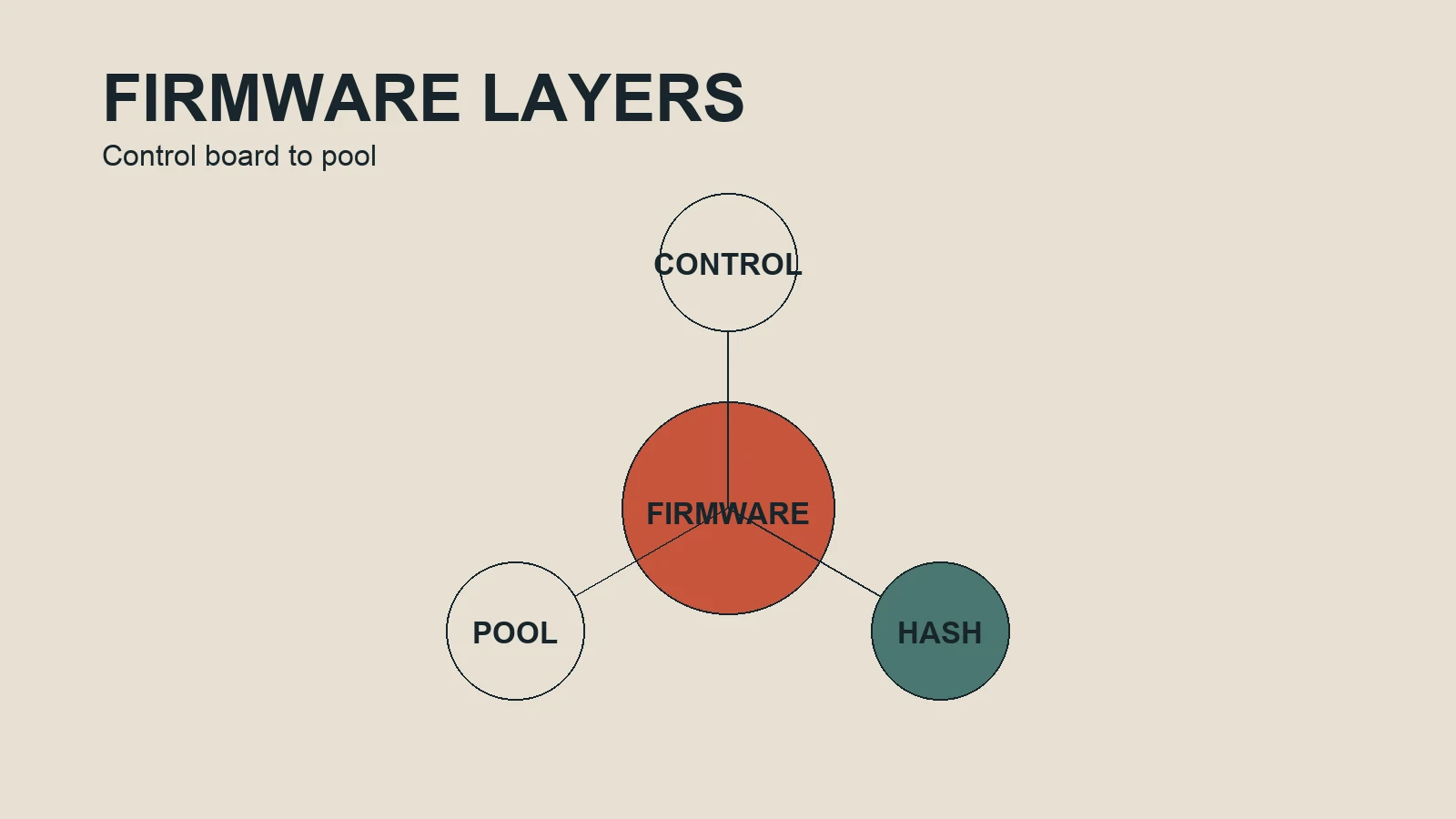
ASIC firmware is the control software that coordinates a specialized mining machine. The hash chips perform the computation, but the firmware decides how the control board starts the device, reads sensors, manages fans, connects to pools and applies operating parameters. Understanding that boundary helps an operator evaluate a firmware change without treating a software profile as a guaranteed source of profit.
What the control layer does
Depending on the hardware, firmware can expose frequency, voltage, power limits, fan behavior, temperature rules, pool endpoints, monitoring and restart settings. The available controls depend on the miner family, board revision and software release. A setting shown in one interface may not exist on another model, and a file with a similar name may still be incompatible.
Firmware also provides the operating logic around the hash boards. It can report chip temperatures, hardware errors, fan speed, rejected shares and connection state. These readings are useful only when their definitions and time windows are understood. A local dashboard hashrate, pool accepted hashrate and a short-term estimate are related but not identical measurements.
Stock firmware and alternative firmware
Manufacturer firmware is normally the starting reference for compatibility, support and recovery. Alternative firmware may offer more granular controls, tested profiles, per-chip tuning or fleet management. Those features can be useful for an experienced operator, but they add another update path, support dependency and possible fee. The correct comparison is between the complete operating result, not between two labels on a settings screen.
Compatibility is more than the model name
- Write down the exact miner model and revision.
- Identify the control-board type and current firmware release.
- Check the current vendor documentation and supported model list.
- Confirm that the power supply and cooling arrangement fit the intended profile.
- Save pool settings, configuration exports and recovery instructions.
Keep these details together in a dated record. If a device later behaves differently, the record gives you a starting point for diagnosis. It also prevents a fleet operator from applying a file to a group simply because the enclosure looks similar.
How frequency, voltage and cooling interact
Frequency can affect output and power. Voltage can affect stability, efficiency and heat. Fan behavior affects cooling, noise and component stress. These variables interact, so changing several at once makes the outcome difficult to explain. A conservative test changes one bounded profile, watches the device and records the result under known conditions.
What to measure
Use wall power when evaluating electricity consumption. Record accepted hashrate from the pool, local hashrate, temperature range, hardware errors, rejected shares, uptime and applicable fees. Include the observation window and ambient conditions. A profile that looks attractive for a short warm-up period may not remain stable through a normal operating day.
Recovery is part of installation
Before installation, know how to return to the last stable configuration. Keep a known-good image or documented vendor recovery method where permitted, and make sure someone can monitor the device. Stop when the machine repeatedly reboots, loses pool connectivity, produces rising errors, exceeds a defined thermal limit or cannot be returned to a known state.
The practical question is not “Which firmware is best?” It is “Which tested configuration is compatible with this machine, stable under these conditions and better for the operating objective?” That question leads to evidence instead of a headline claim.
Read the interface as evidence
When a firmware dashboard shows a change, ask what the number represents and how it was averaged. A displayed hashrate can be a short interval estimate, while a pool reports accepted work over a different window. Temperature may be a sensor reading from one board rather than the hottest component. Treat each number as a measurement with a definition, timestamp and condition.
Keep screenshots with the written record, but do not use a screenshot as a substitute for a wall meter or pool history. Note restarts, rejected shares and network interruptions. These details explain why a profile may appear successful in one hour and disappointing over a longer period.
Questions worth answering first
Ask whether the change is reversible, whether support covers the exact board, whether a known-good image is available and whether the electrical installation can run the selected profile continuously. If any answer is unknown, identify the missing evidence before changing the device. This is a more reliable workflow than choosing a setting because another miner reports a different result.